


Where do you want to start?
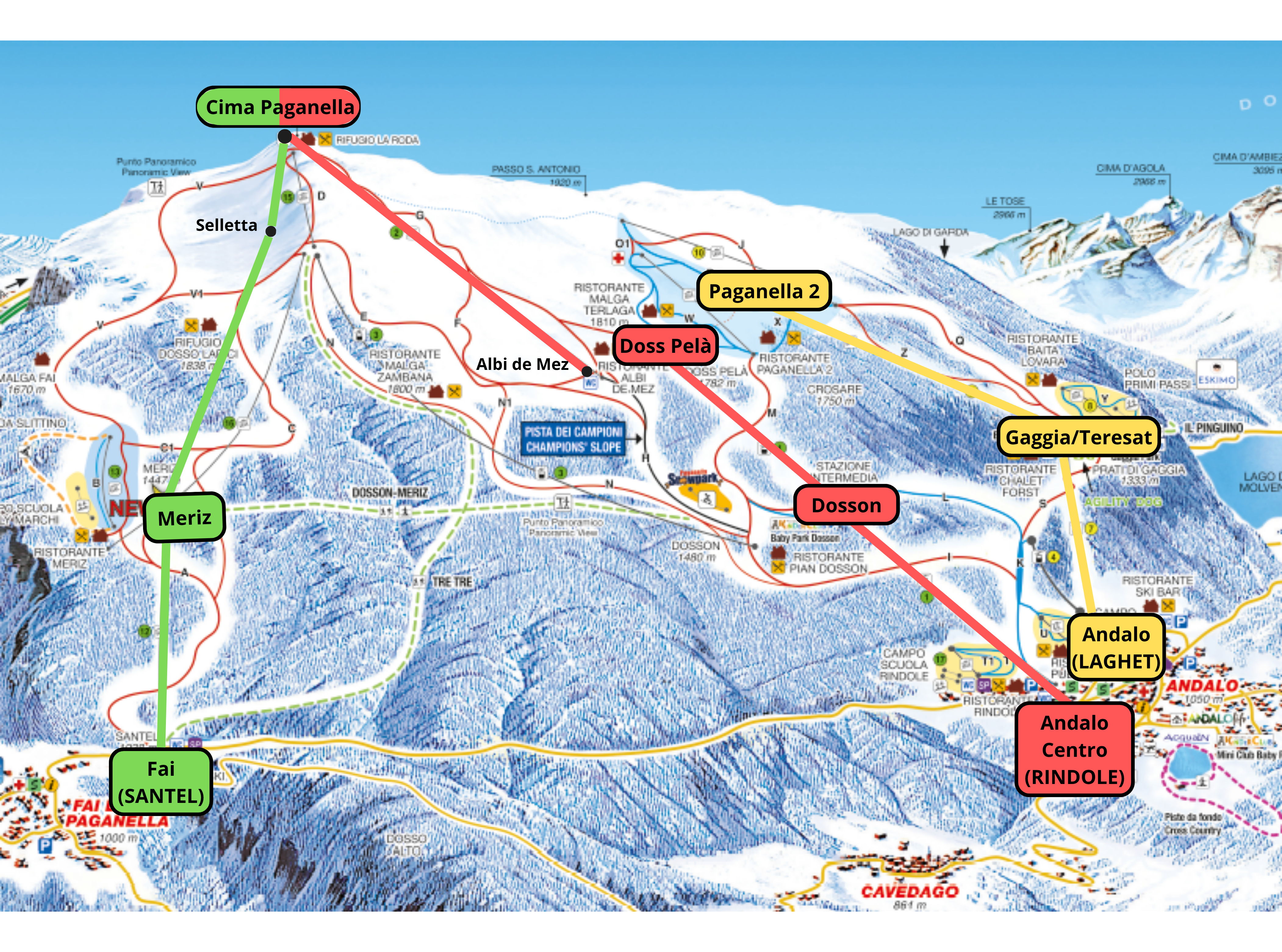
To purchase a ticket, view the map and click one of the buttons below
Bestsellers skipass


How to buy

For Junior and Children's skipasses, if you’re buying online via PC, you’ll need to have already saved the files containing a photo of the ID document (front and back) and a recent photo of the person using the ski pass. If you’re buying via smartphone, however, you can take the photos directly whilst making your purchase.

- at the ticket machines
- at the ticket offices (a deposit of €5.00 per card is required)
- at accommodation offering the service (a deposit of €5.00 per card is required)

Combi and seasonal ski passes cannot be picked up at the ticket machines


Scan the access QR code straight from your smartphone and head up to the heights!
The ticket does not have to be printed
Seasonal Skipass
Buy online and collect at the ticket office! It is not possible to collect season tickets from cash machines or to load them onto the Paganella Open Pass or previously used keycards
Please note! For seasonal ski passes, if you’re buying online via computer, you must already have saved the files containing a photo of your ID (front and back) and a recent photo of the person using the ski pass.
If you’re using a smartphone, however, you can take the photos directly whilst making your purchase.
All ski passes


We Would Love to Stay in Touch
You will receive an email every month with news, offers, prices and lift opening information, as well as events and top tips for experiences to try on Paganella
Request information


